Manufacturer Gap Report
Every product without an assigned manufacturer, at a glance and with no setup.
- Compatibility
- Shopware 6.5, 6.6 and 6.7
- Price
- Free
- Languages
- German and English
A product without a manufacturer draws no attention in the shop. It is simply missing everywhere the brand matters: in the brand filter, on the brand landing page and in every export feed that expects the manufacturer as a required field.
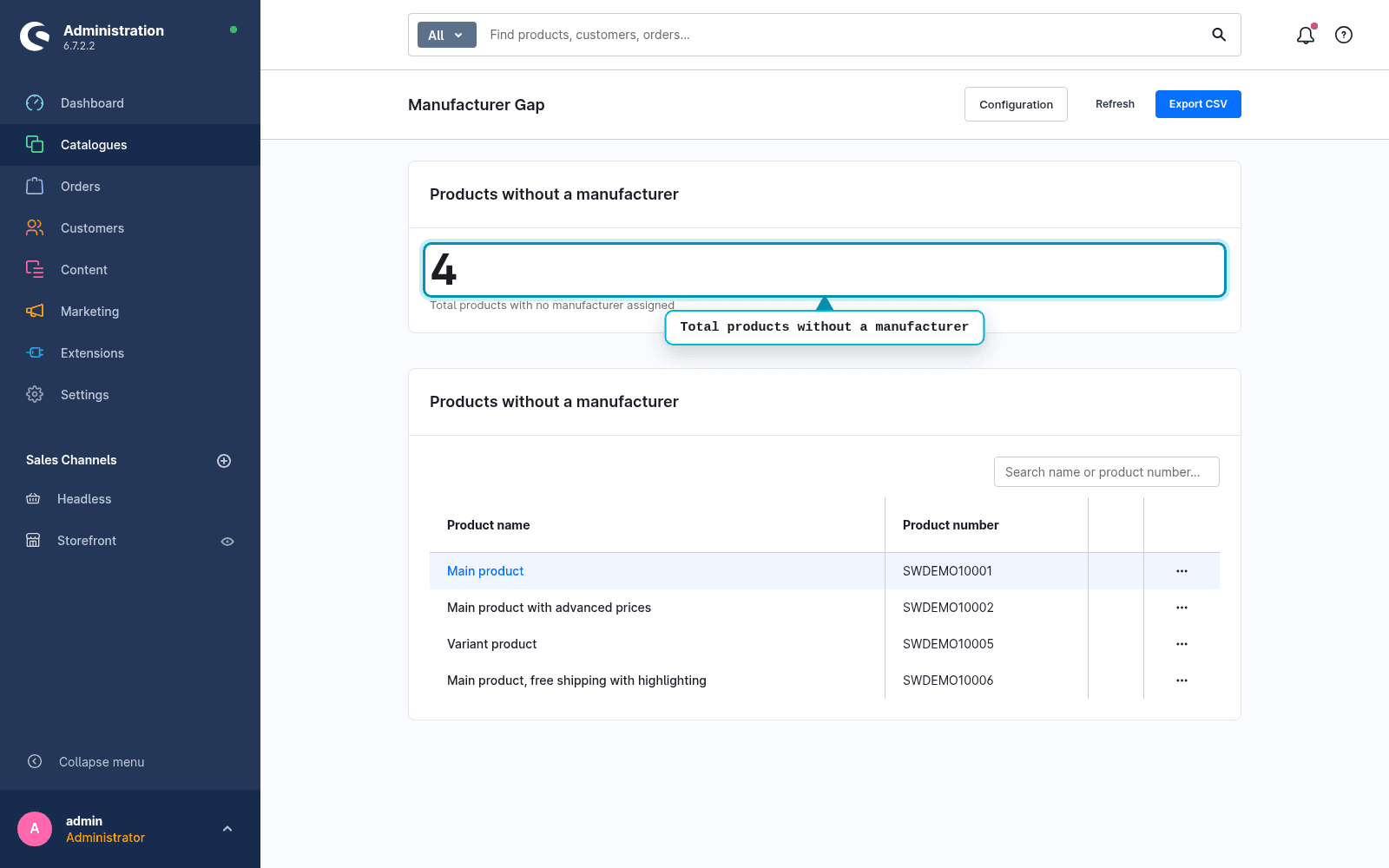
The native product list can filter by manufacturer but has no view for exactly those products that lack one, no total count and no targeted export of these cases. That is what this report does, and nothing else.
How it looks in the admin
What sets it apart
One thing, done right
Not an all-round audit across twenty fields, but exactly the manufacturer gap that breaks brand filters and feeds.
No setup
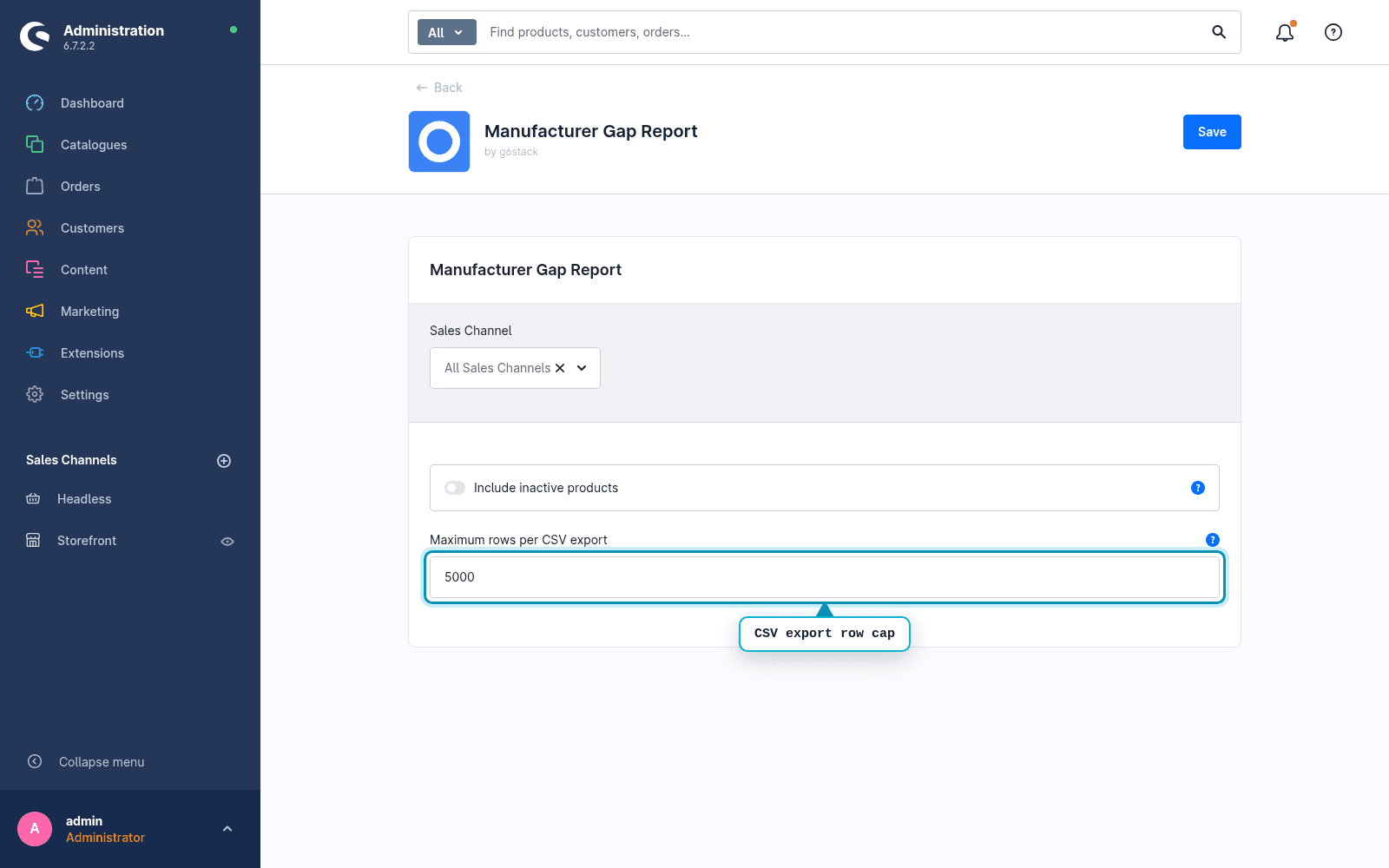
Install, open, read the list. There is nothing to configure and no stored state.
Variants handled correctly
Only parent and standalone products are evaluated. Variants inherit the manufacturer, so checking them one by one would only create false positives.
Read-only
The report assigns no manufacturer and changes no product. You do the assignment through the deep link.
How it works
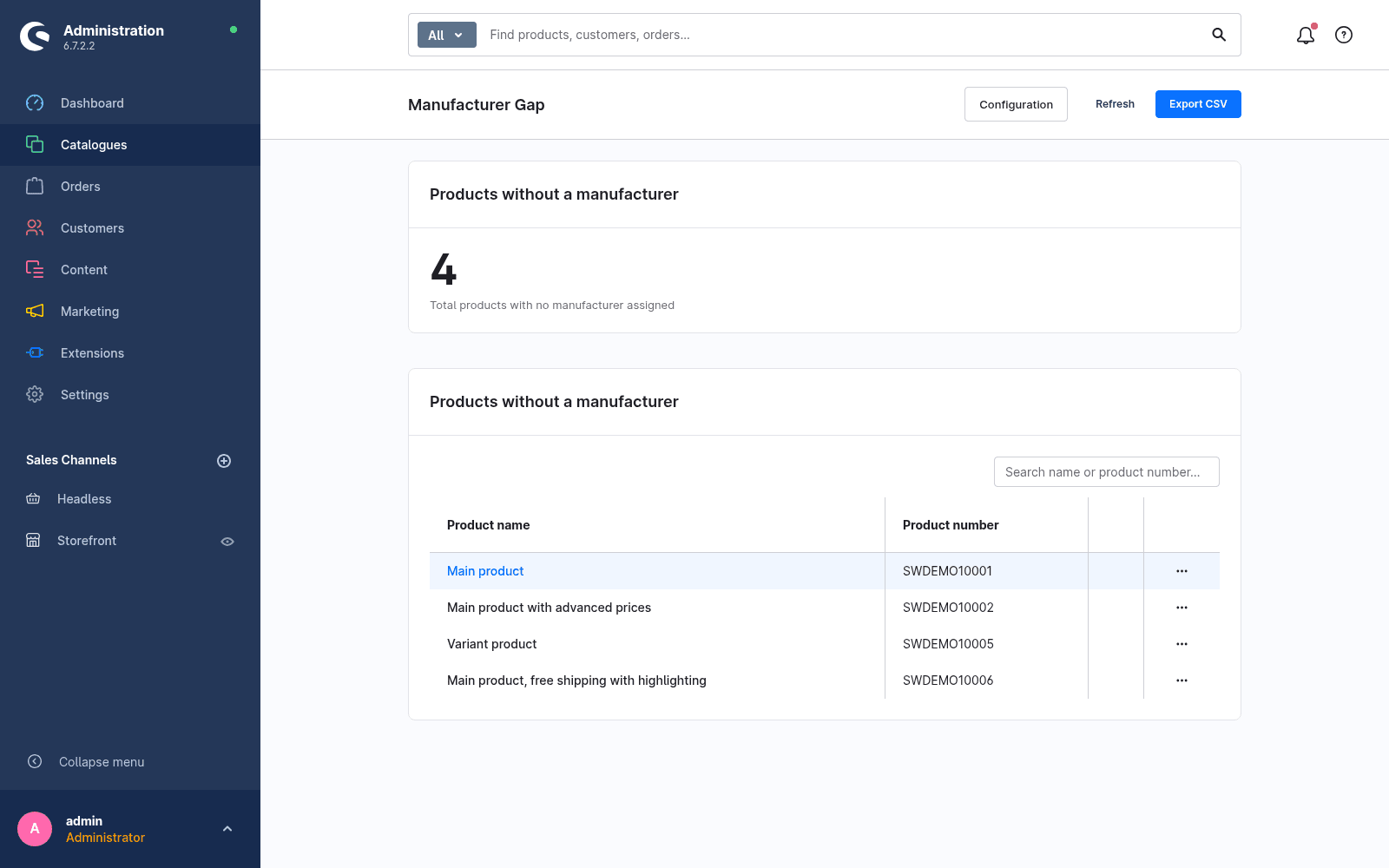
- 01Open the report. The number at the top shows how big the gap is.
- 02Search the list by name or product number.
- 03Jump into the product through the deep link and fill in the manufacturer.
- 04Or export all matches as CSV and work through them in order.
How many products have no manufacturer?
Manufacturer Gap Report is free in the Shopware Store. Install via the Extension Manager, answer in under a minute.
Install free in the Shopware StoreFAQ
Frequently asked questions
Does the plugin change my product data?
No. The report is read only. It assigns no manufacturer and changes no product. You do the assignment manually through the deep link into the product detail page.
Are product variants checked individually?
No. Only parent and standalone products are evaluated. Variants inherit the manufacturer from the parent, so checking them one by one would create false positives.
Which Shopware versions are supported?
Shopware 6.5 to 6.7. Older versions are deliberately not supported.